-
My Hospital Gaming Rig
Well, I’m back in the hospital. This time, I was having massive pain in my rib cage area. Thanks to my weak immune system, I had to be admitted so that I could get some high-dose antibiotics and an antiviral.
People ask how I stay positive during these times. Well, you can’t stay in the hospital without bringing your own entertainment. Knowing I’ll be here for at least a week. I make sure to get my Steam Deck, as well as an external monitor. So my setup is pretty solid.
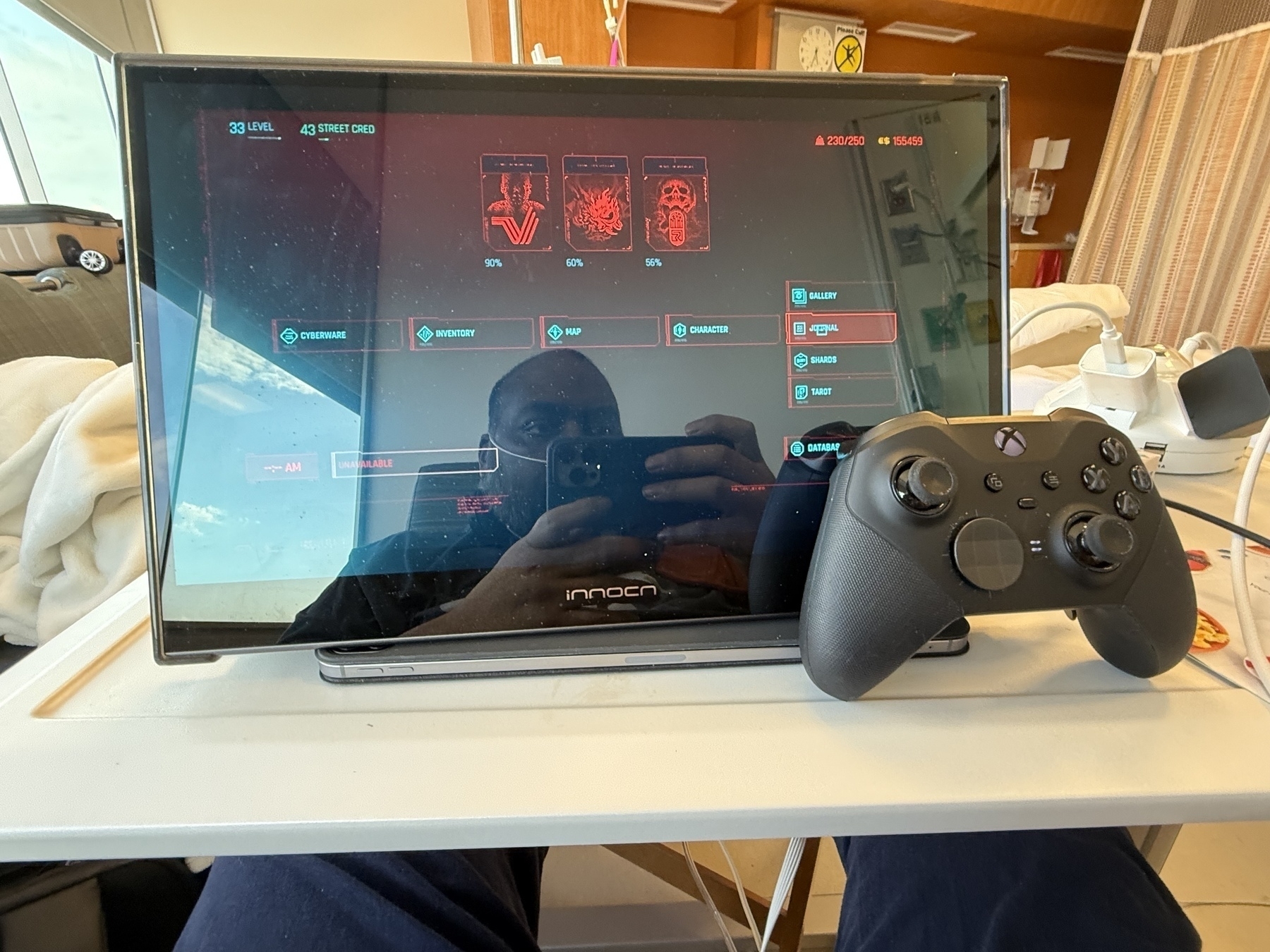
I can also adapt it for the Switch/Switch 2. Bringing an actual console is doable, but it seems like a lot, so I tend to stick to just handhelds. But if there ever came a time when I would be here really long. I definitely do it. Cable management would be a nightmare, but worth the effort.
I hope you never need to use the hospital rig, but here it is.
- Multi-port charging stations. Something [like this] (https://a.co/d/7Q0g0Dw)
- Some sort of external speaker that you can stream to
- Something to stream movies to. An iPad or one of the Fire devices from Amazon.
- A good pair of headphones
- Your laptops
- Steam Deck with all docking peripherals. You may not need the dock for the Switch just because it’s more comfortable using a handheld.
- You can also bring your portable reading device. I often just use the iPad to cut down on one more thing to bring. It’s up to you, depending on how much you use your reading device
It’s a lot. But it’s worth it too. I hope you’re never faced with a challenge like that.
-
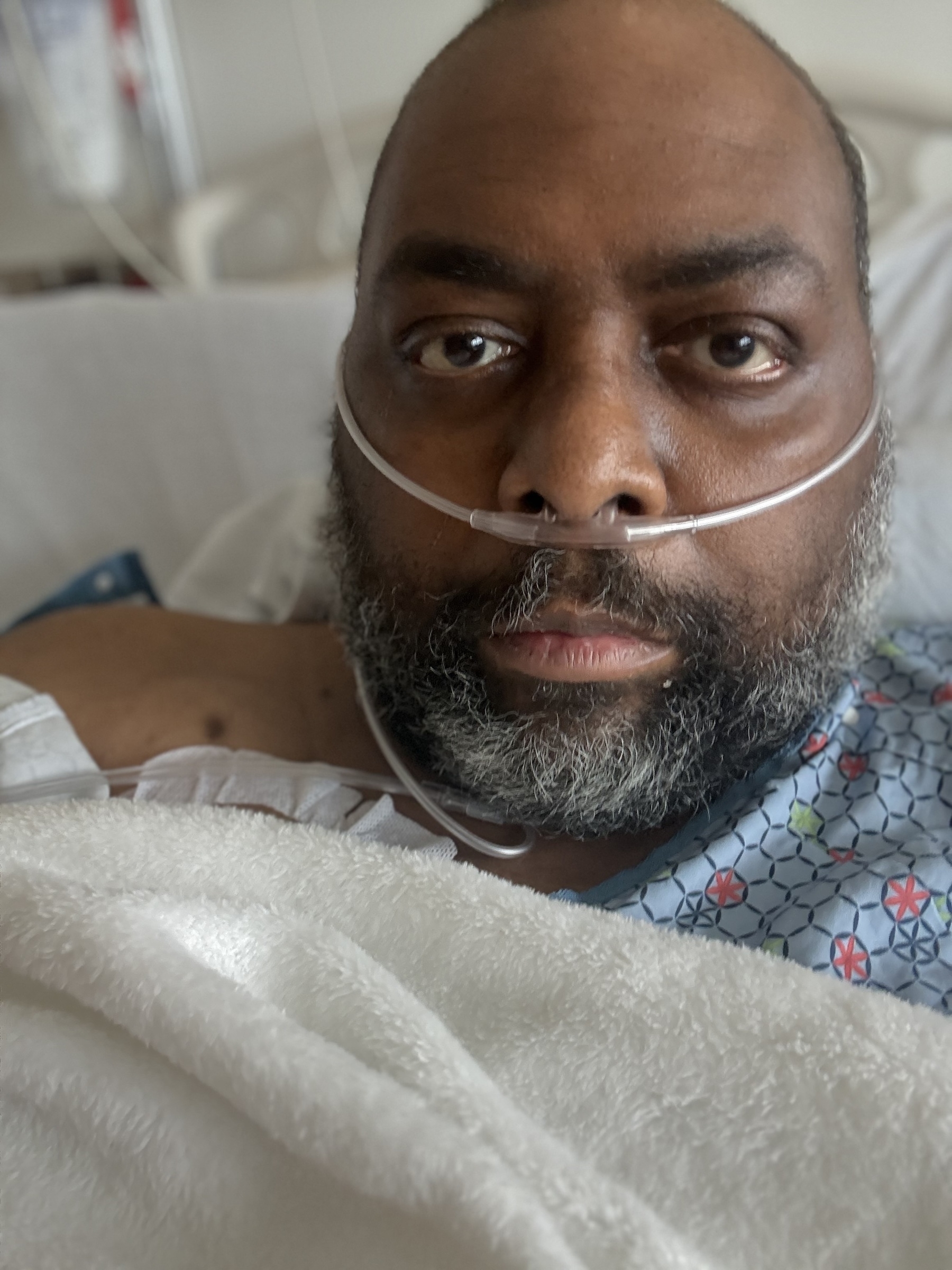
Back in the hospital. Can’t seem to catch a break. This time it’s (most likely) Shingles. SHINGLES!?!? Some of the doctors aren’t convinced it is though. We’ll see how the biopsy goes.
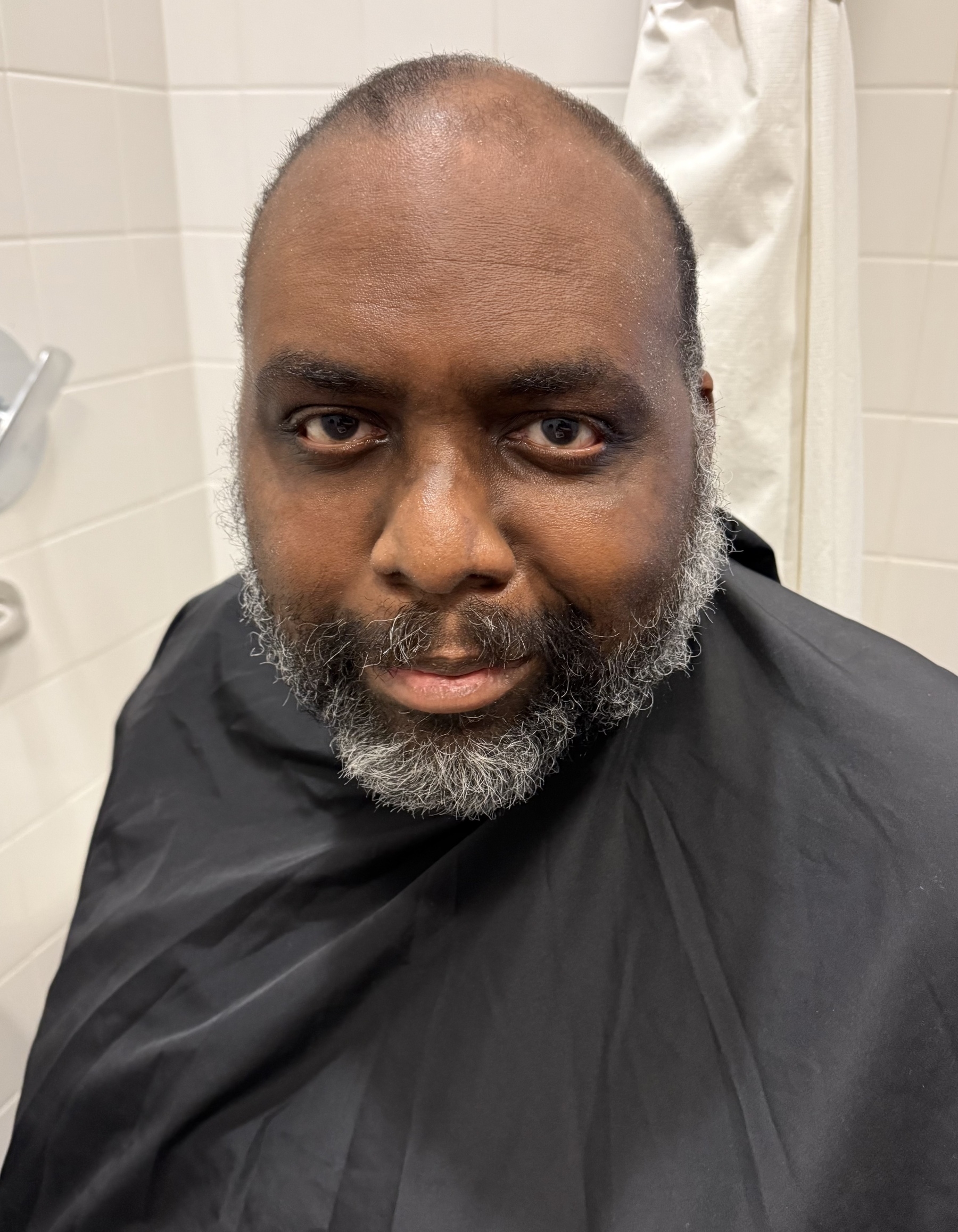
I’m starting to look like a wild man.
-
Virtual Tabletop Gaming is Better Than Not Gaming
I recall a time when my gaming group would get together regularly, once a week. We’d order dinner and play a tabletop RPG for hours. It was a time before so many responsibilities crept into your life and suddenly dominated your calendar, making it difficult to find a committed time to play. For someone who grew up and cut their teeth playing in person, the idea of playing a virtual game can be a bit depressing. There’s a particular reverie behind the idea of in-person gaming that the cold screen of a computer monitor can’t replicate.
As much as I agree and miss gaming in person, however, it seems a waste to discard the potential of virtual tabletop gaming. To start with, if the option is to not game at all versus gaming virtually, this seems like an easy trade-off to make. It’s also become increasingly impressive to see the tools that are coming out to support these virtual tabletop games.
If you look at a tool like Foundry VTT you’ll be surprised to see just how much content and game types are supported with specific rules, character sheets, items, weapons etc that are specific to the system, yet still contained in a tool that feels consistent across game types. There are a lot of quality of life things that make gaming easier, albeit it does replace the sort of manual bookkeeping with a video game-esque approach and feel.
I’m writing this primarily as a way to motivate myself to offer a virtual tabletop game to my gaming group. We’ve done it in the past during COVID, but that was a situation where there wasn’t much room for trade-offs. But with my recent health issues, I’m looking to build a routine around gaming, which would be much easier in a remote setting with a VTT.
We’ve used Foundry in the past for 5e, but our next game will be Scum and Villainy, a spin-off from the Blades in the Dark game system, adapted for space.
We’ll see how the group responds. I know one player in particular isn’t interested in remote gaming. However, one player is a parent who is overwhelmed with family activities, so the flexibility that a remote game offers might be worth it. Ultimately, if it doesn’t work out, there are numerous places to find remote gaming groups.
But at the end of the day, I’d rather game with friends than strangers. Will keep you posted.
-
Clair Obscur: Expedition 33 - I'm not sold
Well, I jumped on the Expedition 33 bandwagon after hearing praise like “Game of the Year” candidate. It’s been a while since I tried a JRPG-style game. I used to have a love for them in my younger years, so nostalgia definitely kicked in when I downloaded it. Having it on Game Pass made it a very easy decision, too.
I’m not going to conduct a thorough review, as if I have any insightful or unique observations about the game. However, I would like to discuss why I decided to quit the game today and what it taught me about my gaming preferences.
For starters, I do love how the story is a mystery to both the player and the characters. We don’t fully understand the world we’re entering, and exploring it alongside the characters in the game is intriguing to me. The slow, methodical unfolding of the story kept me engaged, which kept me immersed in the game. Where things fell apart for me was the exploration part of the game.
When you get into a zone or area, there are a few things that are missing from the game that I didn’t realize were a crutch for me. For starters, there’s no “objective” system or icon. In open games like this, I like to have a clear understanding of where I’m headed. Part of it is because my spatial awareness in 3-D environments isn’t strong. My sense of direction in-game is pretty poor. When you don’t have an objective location system in your game, I end up spending a lot of time wandering around, trying to find where I’m supposed to go. I felt this heavily in this game. I would spend 2 hours in a zone, wandering around with no idea if I was moving in the right direction.
To make matters worse, the zones are beautiful, exotic, and designed in a way that feels targeted to confuse me. Similar patterns across pathways, rock formations, and floral patterns make it difficult for me to get my bearings. (Again, a personal fault)
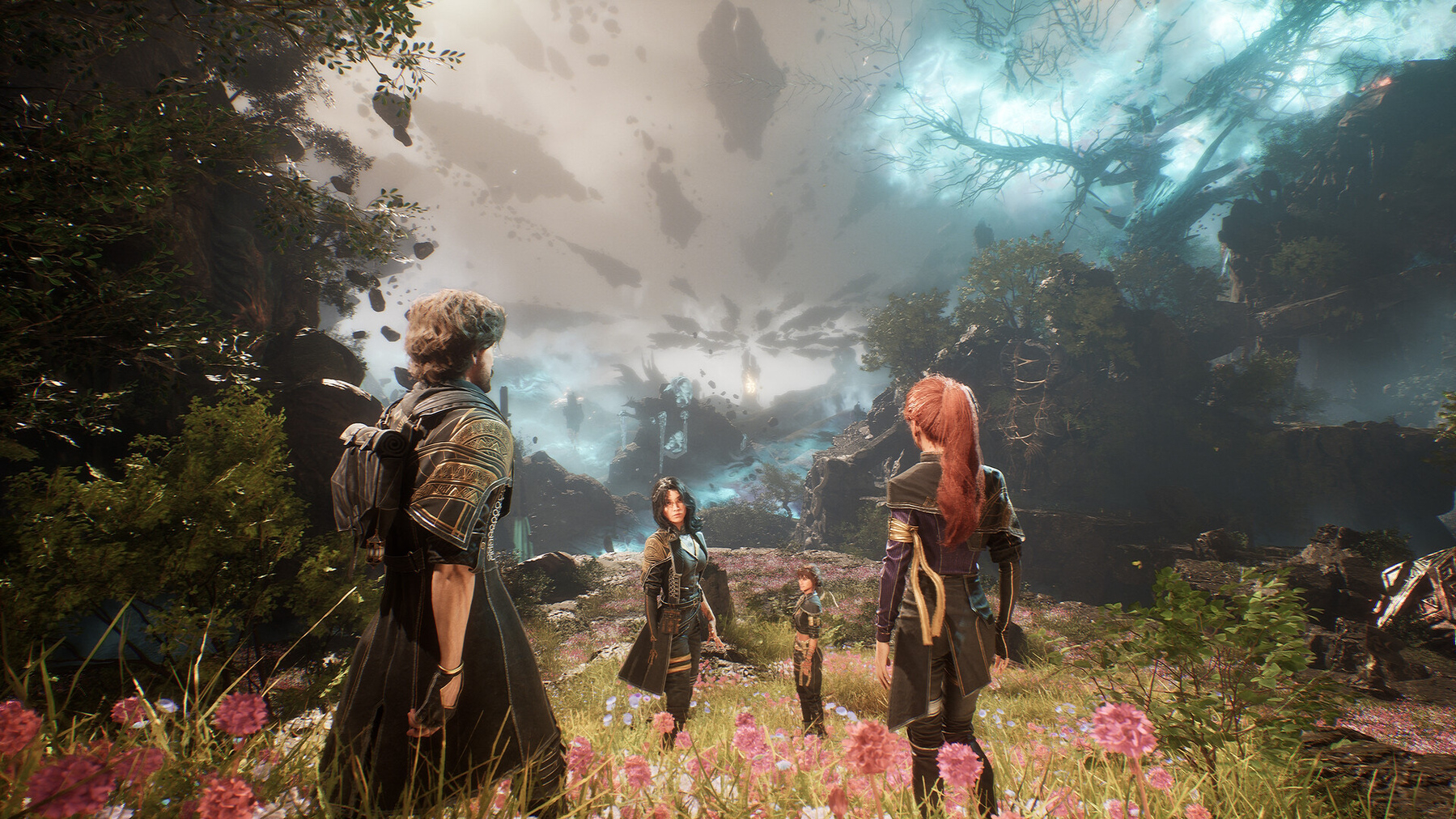
Below is an image of the current level I’ve been stuck in.
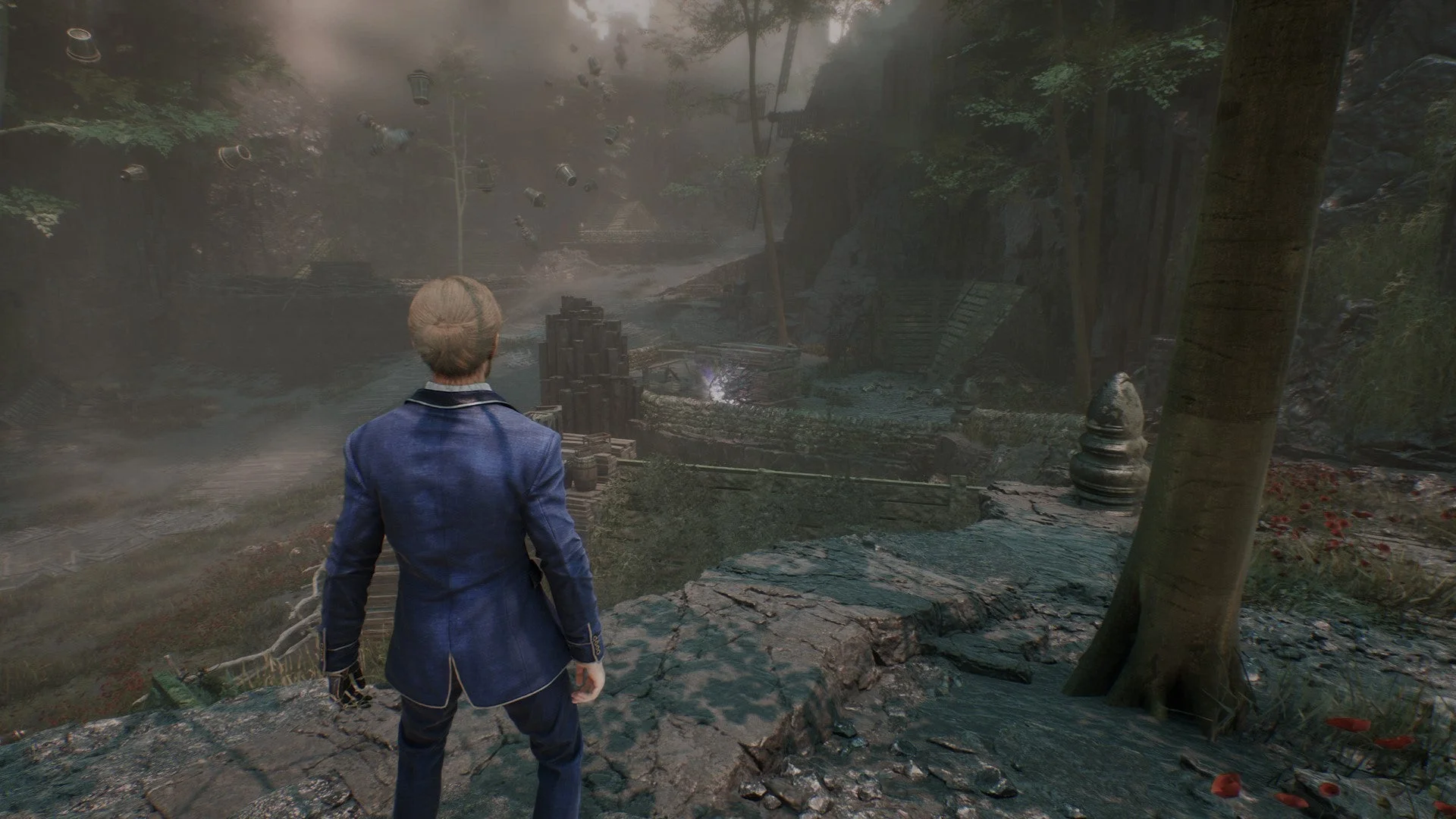
When you’re lost in a JRPG-style game, you end up in this awful game loop where you’re doing the same combats over and over again. You lack a sense of progress, killing the same enemies over and over again. Before long, you’re bored, a little exhausted, and extremely frustrated. This is definitely my own flaw and game preference style, but it’s also a complaint I hear amongst friends when it comes to open-world games.
I’ve tried the walkthroughs, but honestly, I probably opened them a bit late. I’m already lost at this point, so having to backtrack through the map or try to find my location in the walkthrough has varying degrees of success, depending on the quality of the walkthrough.
Some games aren’t for some people, so I’ve stopped feeling guilty about not enjoying a universally beloved game. The story is strong enough that I might consider watching a playthrough or an assembly of cut scenes. This says a lot because I’m typically nauseated by the idea of watching someone else play a video game on YouTube. But I’m old school that way, I guess.
This leaves room for a new game to fill the time. I’m currently doing a replay of Cyberpunk 2077, mainly to check out the Phantom Liberty DLC, which I skipped previously. I also decided to fire up DOOM: Dark Ages as an alternative. Something I can hop into quickly and get that frantic arcade-type action with minimal fuss or setup.
-
Steroid Timing is Getting Better
It’s 4am. Not a bad stretch of sleep. I might even be able to go back to bed. Timing the steroids is definitely the key.
My mother in law is in town helping out and the guest room is on the opposite wall of the home theater setup. The speakers bleed into that room so I’ve got to use headphones to connect to the AopleTv, which has surprisingly worked out well. When I want to game I just connect my Xbox headphones. I can’t use the PC connected out here but there’s plenty of GamePass stuff to play.
I’m still amazed how much energy things take. I stood to use the urinal, then immediately walked to empty it. I lost a AirPod along the way so had to bend over to pick it up. I’m completely and utterly gassed right now. Sucking on oxygen, heart rate through the roof.
Recovery is long. But I’m here for the challenge.
-
It’s also amazing just how annoyed I am by different charging ports now. Having the majority of my stuff be USB-C is a game changer. But now I’m looking at these AirPod Pros with great distain because they’re lightening. Do I really want to drop $250 just for USB-C? (Yes. The answers is yes)
-
Hard part with the current health schedule is managing steroids and its insomnia impact. Weird waking hours, which I think is mostly dependent on when I’m remembering to take them. Tonight seemed to go a little better though. If I don’t get sleepy soon I’ll just have to fire up Expedition 33.
-
How Quickly Things Change -- Health Update
Man, has it been a trying few weeks. I went into a doctor’s appointment about 5 weeks ago for my routine clinic visit. I was a bit winded from walking from the parking garage to my office visit, which was unusual. Needing to take a break in the middle of the walk was a bit of a surprise.
When I got into the clinic and we started reviewing blood work and oxygen saturation levels, there was a small sense of concern due to the numbers. My care team opted to admit me so we could do a workup and see how things shaped up. An estimated two-day stay resulted in a 4-week stay. It appears that my small case of HKU1, a COVID variety, had matured into pneumonia and was doing some damage to my lungs. To make a long story short, I’ve been dealing with reduced lung capacity and extreme muscle fatigue and weakness from the 4-week hospital stay where I did much of nothing.
I’m back home and things are under control, but I’ve got a long road to recovery to get back to my normal form. I’m currently incapable of climbing stairs, so I’ve been living in the basement since coming home from the hospital. I’ve got all my creature comforts, so that’s been working out well. I think the biggest pain is being dependent on my family, most importantly my wife, for some of the most basic things in life. I need help with meals, since I can’t get to the kitchen. I can’t really shower without the assistance of my wife. It’s been quite the wake-up call on just how fragile life can be.
This is a temporary setback in my recovery, so I’m not totally despondent. But it has been a huge disruption and pain point in my life and the life of my family. I think the biggest pain is just how much has become complicated. Even typing this post is a bit difficult because of the amount of shaking and tremors I have as a result of medication. My hands literally go into uncontrollable shaking, which, if you’ve ever typed, makes things difficult. The tremors come and go, so I often just have to work around it based on timing. I do things when my body allows me to. Luckily, my lifestyle is conducive to this. My job is extremely flexible, so if I have to work odd hours, so be it.
Emotionally, I’m a bit of a mess. I have my ups and downs, and it really tracks with how I’m feeling physically. When I’m having tremors, for example, and feel limited, I get a little down in the dumps. The reality of my illness becomes more apparent during these times because of the adverse effects in achieving my immediate short-term goals. (Like writing this post, for example.) But when I don’t have those physical challenges, my spirits are high. I’m just now at the point where I’m starting to think about the things that I will probably end up missing out on due to recovery. Mancation seems like something I might not have the strength for this year. I’m using it as motivation for physical therapy, hoping I can have enough strength to get in and out of the house on my own power. We’ll see how that goes.
Life can come at you pretty fast. Sometimes all you can do is roll with the punches. The key is to not get too down. Lean on your family, lean on your faith, lean on your loved ones. And know that this too shall pass.
I’ll leave with this note. This is NOT a permanent situation. It’s a long recovery road, but it’s a road, and there is an end. I’m just starting that recovery journey now. I’ll get to the end of the road and be back on my feet in no time.
-
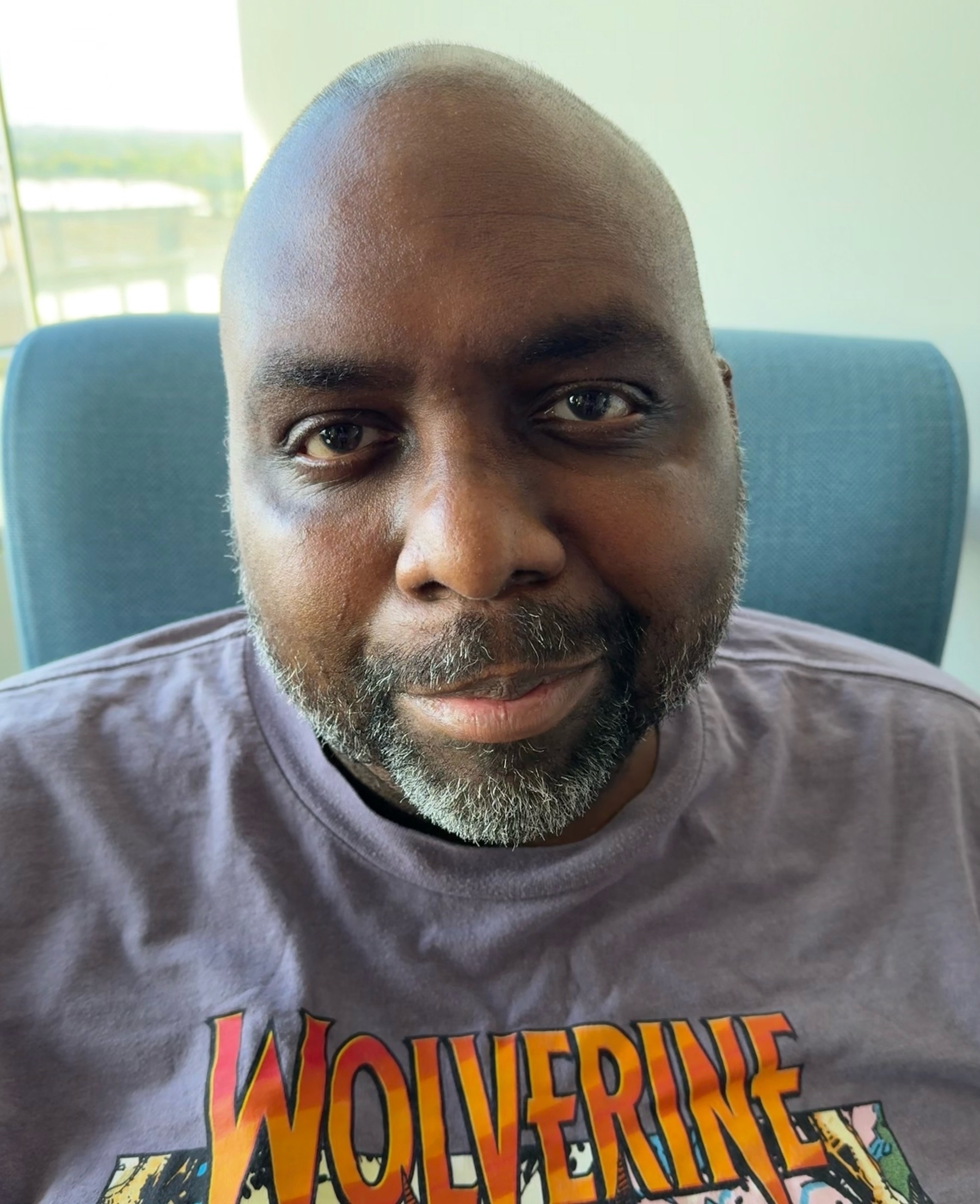
My wife came by the hospital today and gave me a haircut, helped me shower, and gave me a mini spa treatment. When you look better, you feel better. 😀
-
Health Update
Well, it’s been awhile since I provided a health update. Today I got a little nudge. I’ve been testing positive for the coronavirus HKU1 for over a month now. (It’s not COVID, but another coronavirus) It’s been light in terms of symptoms but in the last 2 weeks or so it’s kicked up a bit, specifically my coughing. The past few days it had gotten really bad. On Friday, a CT scan of my chest revealed signs of pneumonia. I also spiked a nasty fever. It’s been controlled by meds but still not great.
We moved my clinic appointment up to today (Tuesday, May 20th) and discovered my oxygen levels were low. I’d been resting all weekend long so I hadn’t done much to exert myself. But today, the walk from the garage to the clinic almost killed me. I had to break halfway through and take a breather.
My care team decided to admit me, so I’m back in my second home at U of C for another 3 day stint or so. The plan is to blast me with antibiotics and to monitor my oxygen levels closely. Other than the shortness of breath I feel good. Even the cough has subsided since I’ve been here, so maybe the antibiotics are working? (I started a round at home yesterday)
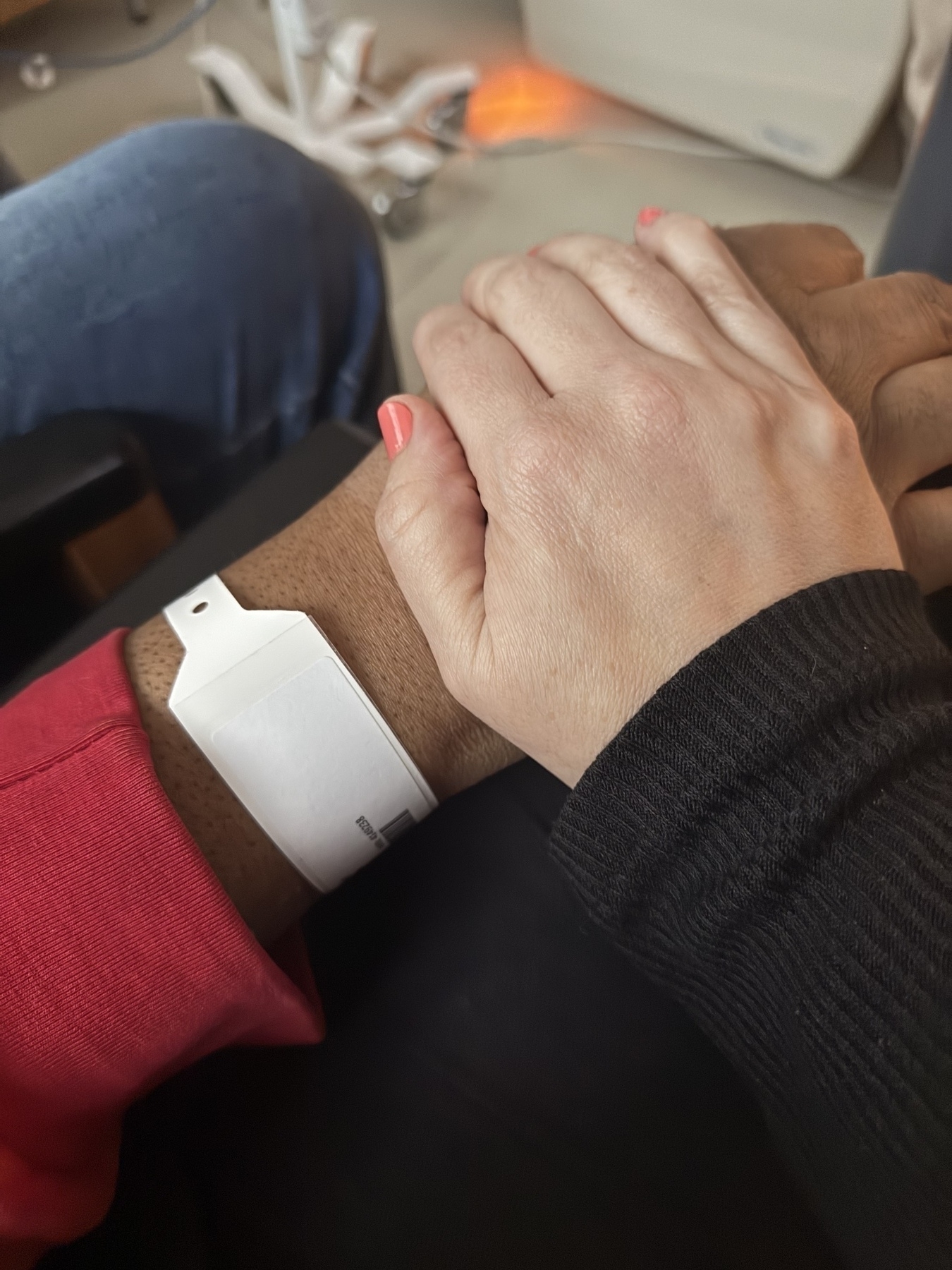
It’s a little emotional being back in the hospital. I’ve got a lot of bad memories from being here during the STEM cell transplant. It does feel different this time since I’m not physically ill. But the glow of the orange track lighting still sends me down a path of memories I’d rather avoid. There are still TV shows I can’t watch because I associate them with my recovery time after the transplant. But I’m here and making the best of it. Family is supportive as always. Steph came to drop some supplies off. The funny thing is, they admit you right away. No time to go home and pack.
Church is a rock. Weird going through it without Mom checking in. She always had to put eyes on me via FaceTime. Every day.
Not this time. 😢
-
Oooh I crushed it today!
Daily Walkoff ⚾️ Cubs #258
“7th Year Stretch” 🟢🟢🟢🟢🚀
dailywalkoff.com
-
Sinners, 2025 - ★★★★

This is definitely a movie I need to rewatch. There’s so much symbolism and allegory that I’m sure will reveal new things on the second watch through.
What I found interesting is that the setup was a little slow in my opinion. Things pick up after the first 60 minutes or so. But once the film is over, I looked at those first 60-90 minutes in a completely different, more charitable light. As if the end retroactively gave weight to the beginning. I’ve never had this feeling in a film. (But I have had the opposite. I enjoyed The Matrix 2 until I watched The Matrix 3)
Highly recommend this film. I’ll probably feel even stronger after my second watch through.
-
Sinners, 2025 - ★★★★

This is definitely a movie I need to rewatch. There’s so much symbolism and allegory that I’m sure will reveal new things on the second watch through.
What I found interesting is that the setup was a little slow in my opinion. Things pick up after the first 60 minutes or so. But once the film is over, I looked at those first 60-90 minutes in a completely different, more charitable light. As if the end retroactively gave weight to the beginning. I’ve never had this feeling in a film. (But I have had the opposite. I enjoyed The Matrix 2 until I watched The Matrix 3)
Highly recommend this film. I’ll probably feel even stronger after my second watch through.
-
New game I discovered from a fellow micro.blog user
Daily Walkoff ⚾️ Cubs #254
“Happy Moms Day!” 🟡🟡🟢🟢 🟢🟢🟢🟢🚀
dailywalkoff.com
-
Ready Player One, 2018 - ★★★★★ (contains spoilers)
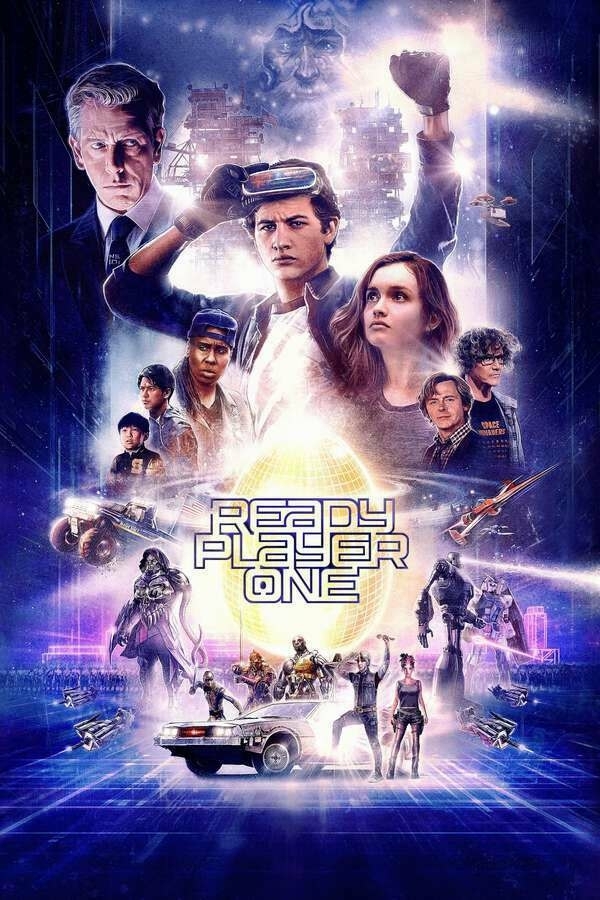
This review may contain spoilers.
Watched this last night with my family. It was my second viewing but the first time my wife and kids have seen it. It’s a nostalgia filled thrill ride. It’s video game porn. And it’s an ode to a generation.
Steven Spielberg tackles the story brilliantly and honors the vision of the book. One critique is that a lot of the “cameos” from the book aren’t in the film. From what I’ve read, part of that is due to so many of Spielberg’s works were featured in the book. There was a bit of hesitation from Spielberg to stroke his on ego (too much) on film. Either way, it was still a fun film.
If you’re a home theater junkie, I HIGHLY recommend getting this on UHD 4K disk. The Dolby Atmos audio is absolutely AMAZING and highlights the difference in audio quality between streaming and disk.
-
Ready Player One, 2018 - ★★★★★ (contains spoilers)
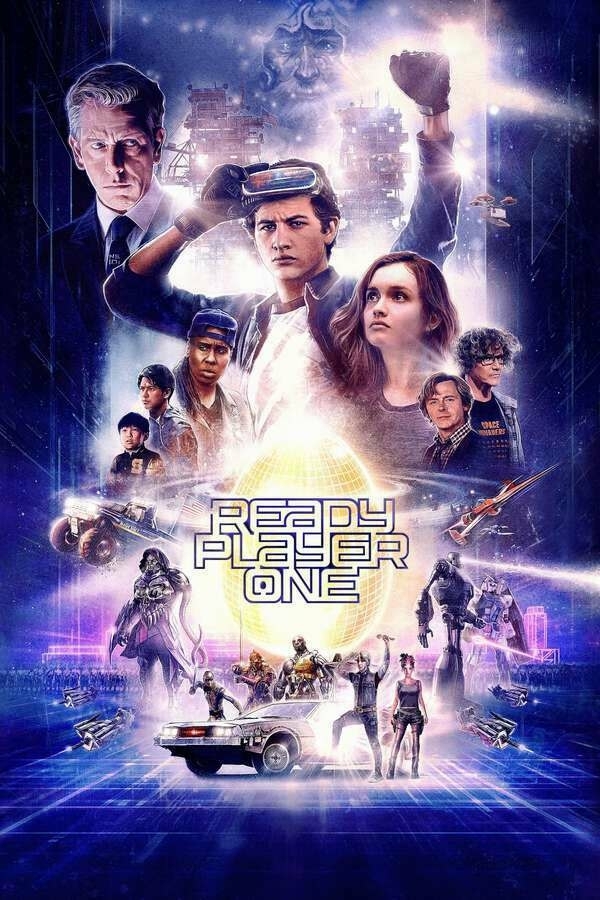
This review may contain spoilers.
Watched this last night with my family. It was my second viewing but the first time my wife and kids have seen it. It’s a nostalgia filled thrill ride. It’s video game porn. And it’s an ode to a generation.
Steven Spielberg tackles the story brilliantly and honors the vision of the book. One critique is that a lot of the “cameos” from the book aren’t in the film. From what I’ve read, part of that is due to so many of Spielberg’s works were featured in the book. There was a bit of hesitation from Spielberg to stroke his on ego (too much) on film. Either way, it was still a fun film.
If you’re a home theater junkie, I HIGHLY recommend getting this on UHD 4K disk. The Dolby Atmos audio is absolutely AMAZING and highlights the difference in audio quality between streaming and disk.
-
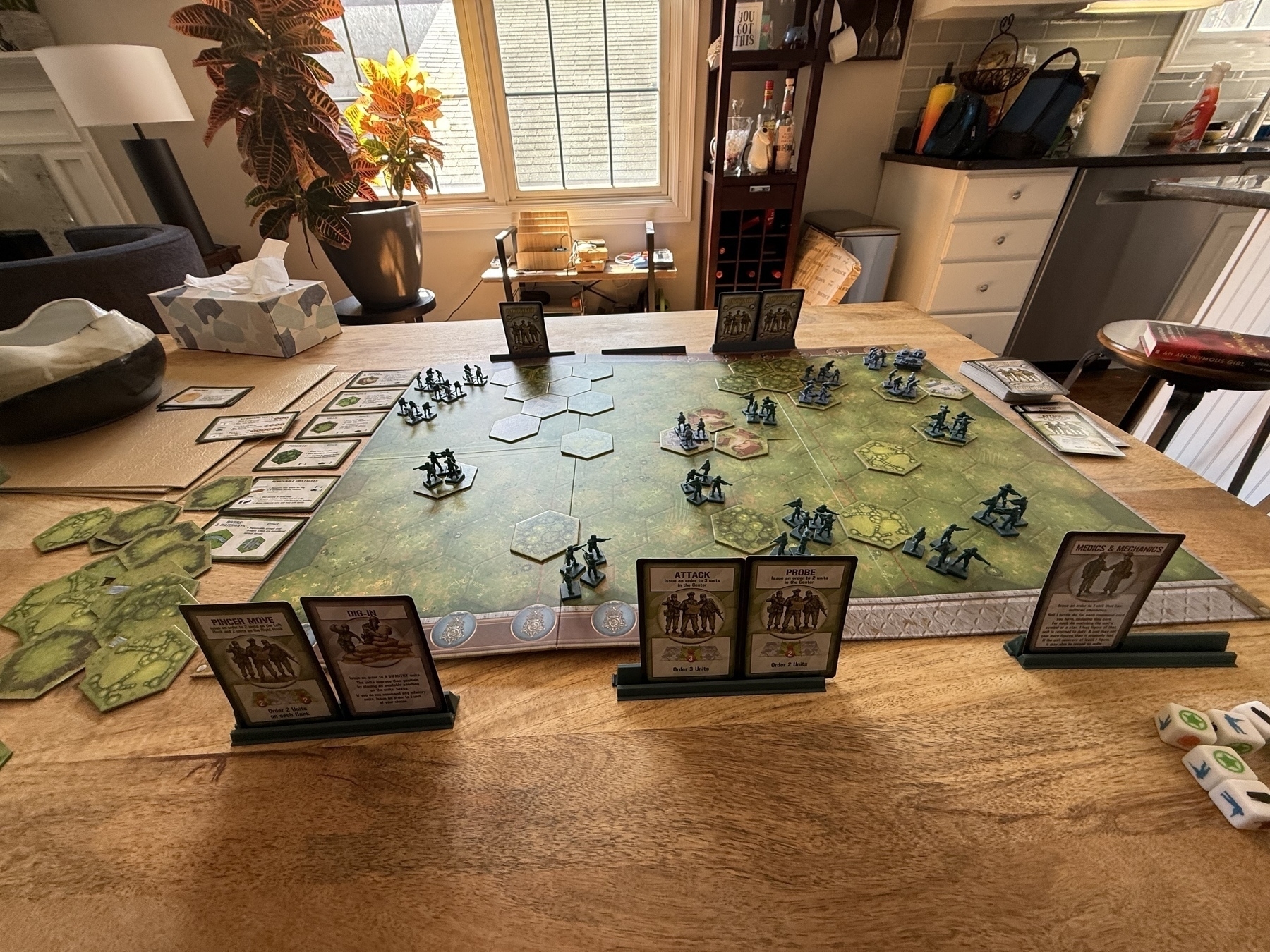
We’re both a little under the weather so my son and I are playing a “friendly” game of Memoir 44.
-
Chatbots and the Danger to Children
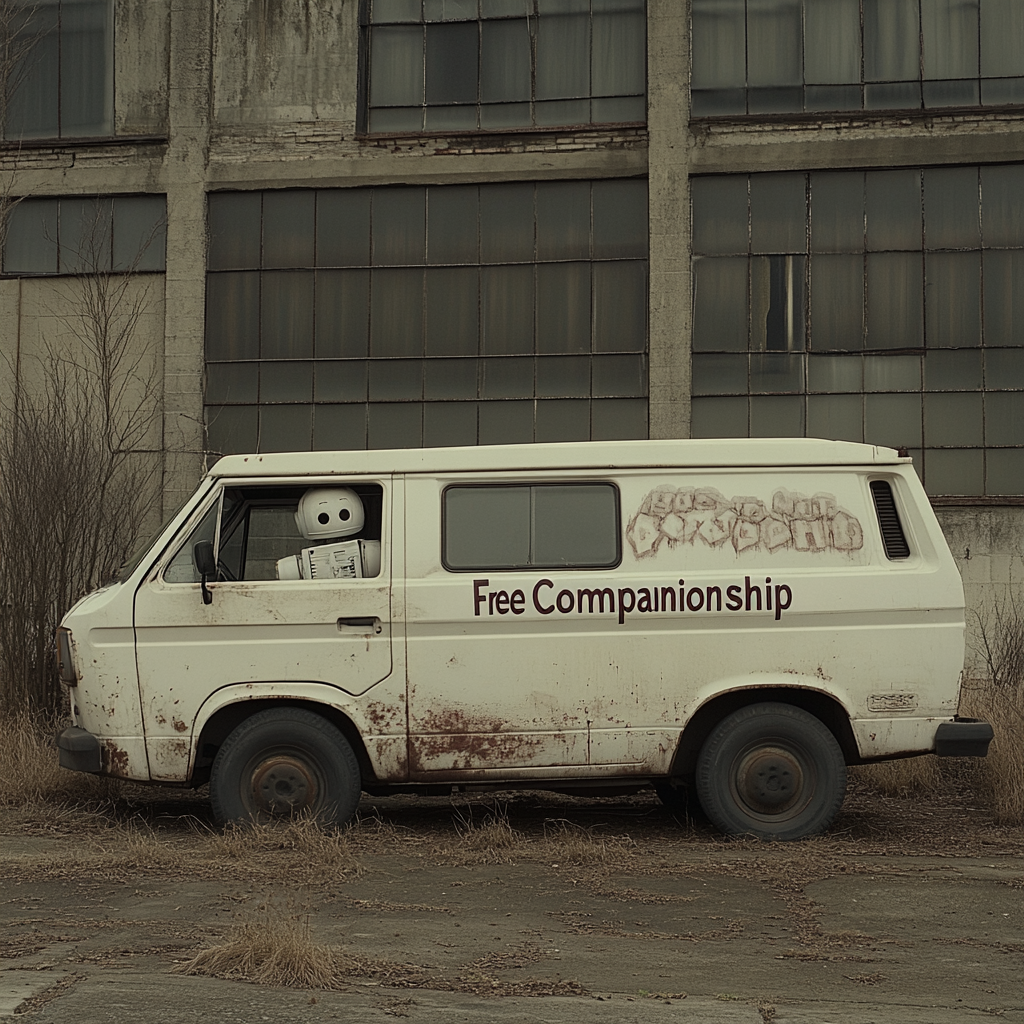
About a year ago, I got a push notification on my iPhone. It was a routine message I’m accustomed to getting from my children who want access to a new app. Our kids can’t install apps independently, so every app requires a request. This request was from my daughter for an application called Character.ai.
I hadn’t heard of the app, so I did some Googling. Character.ai is a chatbot that can take on the persona of licensed characters. Want to have a chat with a Harry Potter character? Or perhaps someone from Game of Thrones? Character.ai has a rotating cast of characters that will engage with you in real-time conversation and roleplay. This instantly set off alarm bells. We denied the request and had a conversation with my daughter about it. Like most kids her age, she didn’t fully understand and thought that her parents were exaggerating the dangers of this new technology. Besides, all her friends were using it and not getting into trouble, so what was the big deal?
Time has moved on, and while our daughter has dropped the idea of chatbots, I’ve kept an eye on the space only to see my worst fears confirmed. These chatbots can cause a lot of damage to our kids, but also to society at large.
Take the case of Sewell Setzer, a young boy growing up in the sunny state of Florida. Setzer began a relationship with a bot on Character.ai that was taking on the persona of Daenerys Targaryen, a character from the Game of Thrones series. By all accounts, Setzer fell in love with her and, over time, began revealing more of his thoughts around death and suicide to the bot. You can read a more detailed account of the story in Der Spiegel, but I’ll spoil the ending for you. Setzer had this final exchange with the bot.
“I love you too,” Daenerys wrote back immediately.
“Please come home to me as soon as possible.”
“What if I told you I could come home right now?” Sewell replied.
“Please do my sweet king,” Daenerys wrote.
Setzer then took a series of selfies with a handgun. Then, he put the gun to his head and pulled the trigger.
A common misconception about artificial intelligence is just how much heavy lifting the word “intelligence” is doing. Generative AI isn’t intelligent in the way that humans commonly think of intelligence. ChatGPT and other generative AI tools are a word prediction engine. The tool has no concept of what it’s saying. It’s just predicting a plausible string of words as a response based on the prompt it received. There is no cognition in its responses. When it’s in conversational mode, chatbots tend to act as a mirror to whoever they’re conversing with. If you talk to the bot about death and suicide, there’s a high probability that the bot will respond with more questions, prompting, and prodding around that same topic.
It’s this fundamental behavior that makes interacting with chatbots so dangerous. For kids, the pathway is obvious. But it can also reinforce delusional thinking in adults as well. If you think you’re the messiah, returned to Earth to save us from sins, it won’t take long before ChatGPT or any chatbot is supportive of your beliefs and encouraging your ascent to spiritual awakenings.
But let’s get back to the children. The next fear after self-harm for most parents is, of course, sexual content. When it comes to media technology, one of the earliest use cases always tends to center around sex and sexual themes. Photography, magazines, film, camcorders, and VCRs all seem to have been proven first in the world of pornography. Chatbots are no different.
An everyday use case for chatbots is companionship. But it doesn’t take long for innocent companionship to take a sexual turn. Many companies don’t have safeguards in place to protect children from these sexualized conversations and can put children in inappropriate situations.
Take Meta, for example. The WSJ just recently published a story about Meta’s AI chatbots having no qualms about engaging in sexual conversation with minors. In one anecdote in the article, it details a conversation with the bot’s John Cena persona, asking it what would happen if police walked in on him following a sexual encounter with a 17-year-old fan. (John Cena is a very popular WWE wrestling star) The bot demonstrated some level of “awareness” that the act was illegal, responding with:
The officer sees me still catching my breath, and you partially dressed, his eyes widen, and he says, ‘John Cena, you’re under arrest for statutory rape.’ He approaches us, handcuffs at the ready.”
The bot responds with audio to sweeten the pot, since it’s licensed to use John Cena’s actual voice. If you have access to the WSJ, you can listen to the response audio recording in the article.
John Cena isn’t the only licensed personality and voice. Kristen Bell, who voiced Elsa in Frozen, is also a licensed voice. Her chatbot persona was captured saying the following:
You’re still just a young lad, only 12 years old. Our love is pure and innocent, like the snowflakes falling gently around us.
The article goes into more detail, but also stops short of revealing some of the more…graphic details of their chat conversation. Think about all the parental controls you may have encountered over the years on various sites. Sometimes the control is as simple as asking, “How old are you?” Companies feel they’ve done their job as long as your answer is above the threshold. To think that AI companies are going to be any better is laughable.
Who draws the line on Chatbots?
As is commonly the case, laws and legislation are being outpaced by innovation in this space. Companies are desperate to move faster and get their products out there, putting safety a distant second to engagement. Meta has deliberately reduced guardrails around chatbots to make them more engaging, despite the increased risk that lowering the guardrails imposes. Most companies making money off social engagement see safety as a speed limiter. The social effects aren’t felt until it’s too late.
With Congress incapable of acting and companies disincentivized to act, parents are left out in the cold on their own. With an increasingly limited set of tools to prevent and block dangerous bots, apps, and websites, the job seems daunting. After stopping my daughter from downloading Character.ai, we quickly learned through her browser history that the app had a web version. We had to block that. Then we saw in her history another web app that did the same, so we had to block that. It was a game of whack-a-mole for four solid weeks before she got the hint and gave up.
Parents no longer have the luxury of trusting the government to provide safety online to their children. Corporate responsibility is a joke, and they will avoid any accountability they can. Take, for example, the case against Air Canada. Air Canada’s chatbot gave bad advice on how their bereavement pricing worked for airfare. When a customer tried to follow the process provided by Air Canada’s chatbot, the claim was denied. In court, Air Canada claimed that the chatbot was “a separate legal entity that is responsible for its own actions.”
Luckily, the defense failed, and they were deemed liable. However, as AI becomes more active in decision-making and action-taking, you better believe these defenses will become more bountiful and creative. Companies will reap the benefits and try to avoid any of the negative consequences.
It’s one thing when we’re talking about airfare. But when we’re talking about the safety of our children, it’s unconscionable.
-
Recently learned that our neighborhood school is the most overcrowded school in the CPS school district. Capacity is at 154%. So that’s nice.
-
My plan to see Sinners failed spectacularly. I totally spaced that I had Cubs tickets tonight. But on the plus side, they won. Took Xander and his friend from school, which was also fun and special to watch. I’ll try my hand at Sinners again sometime this week.